How to Spot a Fake Delivery Text (USPS, Royal Mail, Canada Post, Australia Post)
13 November 2026 | By Abhishek Paswan
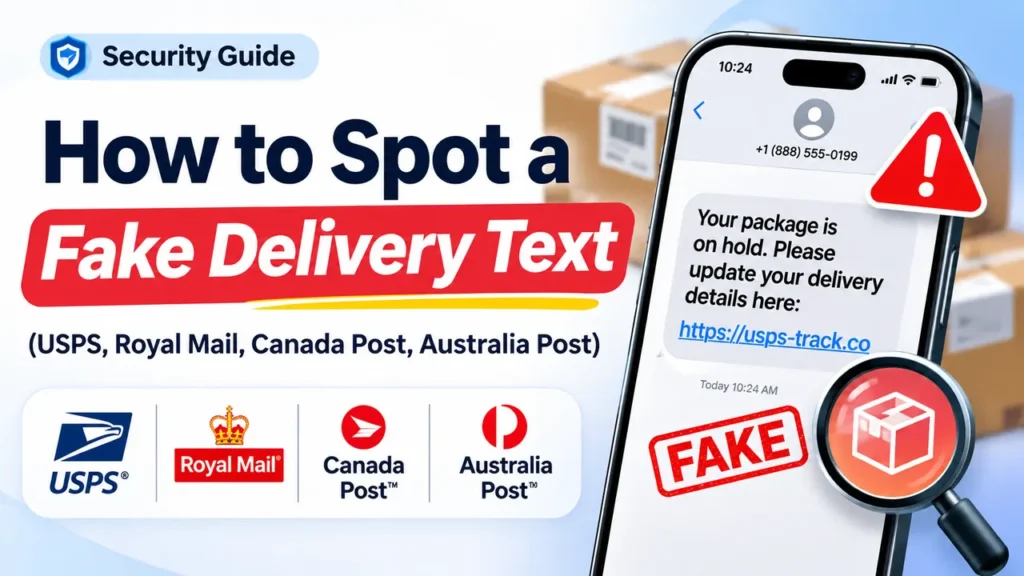
“Your package could not be delivered. Please confirm your address here.” If you’ve ordered anything online lately, that text makes your stomach drop a little.
That’s exactly why it works. Scammers send millions of these before Black Friday and Christmas because they know half of us are waiting on a parcel.
Quick answer: if a delivery text has a link and asks for a small fee or your details, treat it as fake. Don’t tap the link, and check your tracking number on the carrier’s official site instead.
Why these texts fool smart people
They arrive when you’re busy, they look official, and they ask for something tiny. A $1.99 “redelivery fee” doesn’t feel like a risk.
But the fee isn’t the point. The scam is the card number, address and login details you type on the fake page.
5 signs that tell you the text is fake
You don’t need to be a tech expert. Most fake delivery texts give themselves away in the first ten seconds.
1. You weren’t expecting it
Real tracking texts come because you signed up for them with a tracking number. A message out of nowhere, about a parcel you can’t place, is the first red flag.
2. It asks for money or personal details
A “small fee” to release or redeliver a parcel is the classic hook. So is a request to “confirm” your address, date of birth or card.
3. The link looks almost right
Look closely at the web address. Real sites are usps.com, royalmail.com, canadapost-postescanada.ca and auspost.com.au.
Fakes look like usps-redelivery-help.com or royalmail.parcel-fee.info. Extra words, hyphens and odd endings give them away.
4. It comes from a normal mobile number or an email address
A text about your parcel from a random 10-digit number, an overseas number, or an email address isn’t how postal services work. On iPhone, a blue iMessage bubble from an unknown email is a common sign.
5. It rushes you
“Respond within 24 hours or your package will be returned.” Pressure is the scammer’s favorite tool, because rushed people don’t check links.
What each postal service says it will never do
Here’s the part most guides skip. Each service has a simple rule you can hold a text up against.
| Service | What to know | Where to report |
|---|---|---|
| USPS (US) | USPS says it only texts you if you asked for tracking updates, and those texts don’t contain a link | Forward the text to 7726, and email a screenshot to spam@uspis.gov |
| Royal Mail (UK) | Redelivery is free. If a fee is ever due, you get a card through your door | Forward the text to 7726, and email reports@royalmail.com |
| Canada Post | It doesn’t ask for card details or passwords by unsolicited text or email | Forward the text to 7726, and report to the Canadian Anti-Fraud Centre |
| Australia Post | It says it will never text, call or email asking for personal or payment details | Email scams@auspost.com.au, and report to Scamwatch |
The number 7726 spells “SPAM” on a keypad. Forwarding there is free and helps your carrier block the sender.
How to check a delivery without tapping the link
You can always find out if a parcel is real in under a minute. You just need to go around the text, not through it.
- Find the tracking number in your original order email
- Type the carrier’s website into your browser yourself
- Paste the tracking number there
- No tracking number in the text at all? That’s another sign it’s fake
For example, if you ordered from Amazon, open the Amazon app and check Your Orders. If nothing there is delayed, the text is lying.
What to do if you already tapped the link
First, don’t panic. Tapping the link alone usually isn’t the disaster. Typing your details is.
- You only opened the page: close it, delete the text, and you’re most likely fine
- You entered card details: call your bank or card company right now and ask them to block the card
- You entered a password: change it immediately, and anywhere else you reuse it
- You downloaded something: delete it and run a security scan on your phone
Then watch your bank statements for a few weeks. Scammers often test a card with a tiny charge before a big one.
How to block and report these texts on your phone
Reporting takes ten seconds and it does help. It also stops that sender from reaching you again.
On iPhone:
- Open the message without tapping the link
- Tap Report Junk under the message
- Tap Delete and Report Junk
On Android (Google Messages):
- Press and hold the conversation
- Tap the three dots, then Block
- Tick Report spam and confirm
FAQs
Does USPS send text messages about missed deliveries?
Only if you signed up for tracking updates with a tracking number. USPS says those messages don’t include a link.
Is it dangerous to just open a scam text?
Reading it is fine. The risk starts when you tap the link and enter your details.
Why do I get these texts when I haven’t ordered anything?
Scammers send them to huge lists of random numbers. Enough people are waiting on a parcel that some will believe it.
What does forwarding to 7726 do?
It reports the message to your mobile carrier so it can investigate and block the sender. It’s free in the US, UK and Canada.
I paid the “redelivery fee”. Can I get my money back?
Call your bank straight away. The sooner you report it, the better your chance of stopping further charges.
Keep reading
- 7 Black Friday Scams on Instagram and WhatsApp
- WhatsApp Account Hacked? How to Get It Back
- How to Recover Deleted WhatsApp Messages
